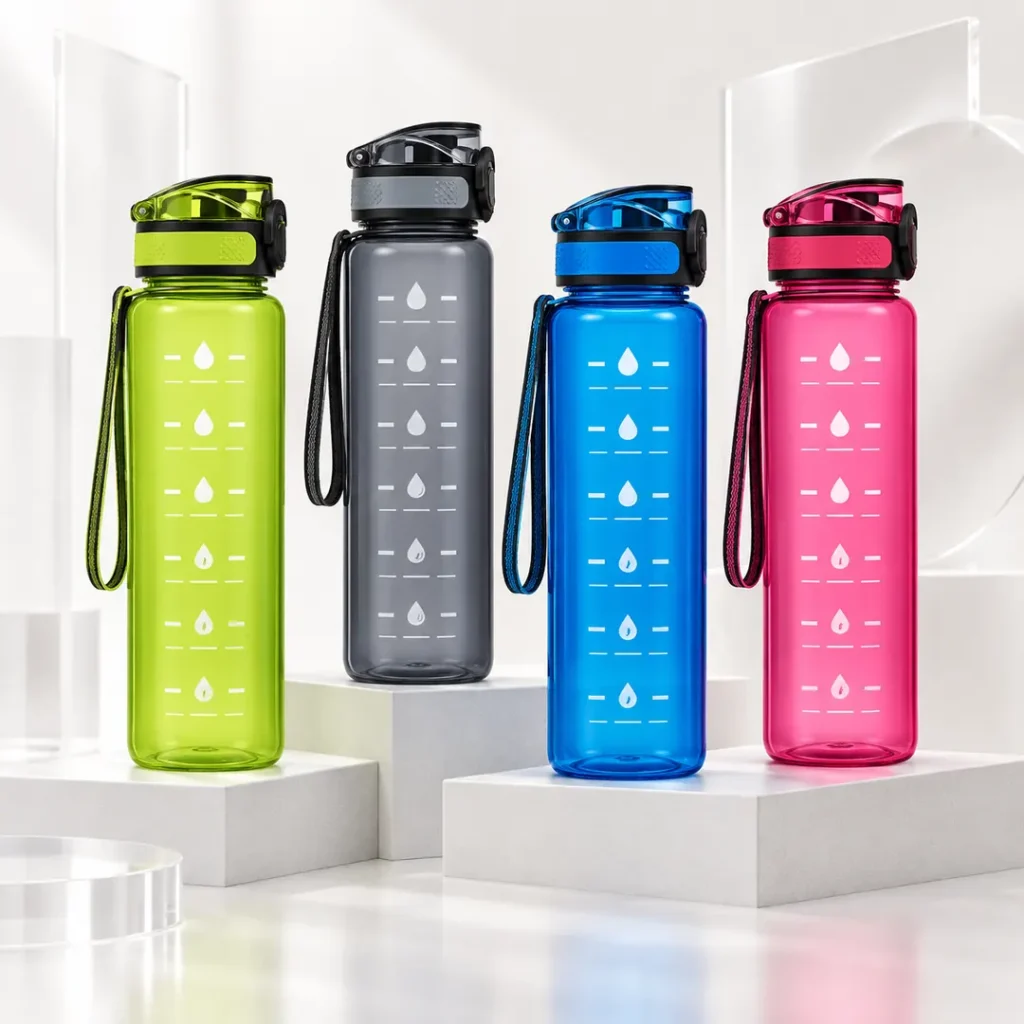
Water Bottle Logo Printing: Artwork, Print Areas and Inspection
A custom water bottle logo is ready for production only when the artwork, printable surface, decoration process and inspection criteria agree. A clean-looking digital mockup is not enough: the same design can look different on a transparent body, a dark bottle or a curved panel. Before ordering, confirm the production file, print-area dimensions, color reference and inspection requirements with the decorating supplier.
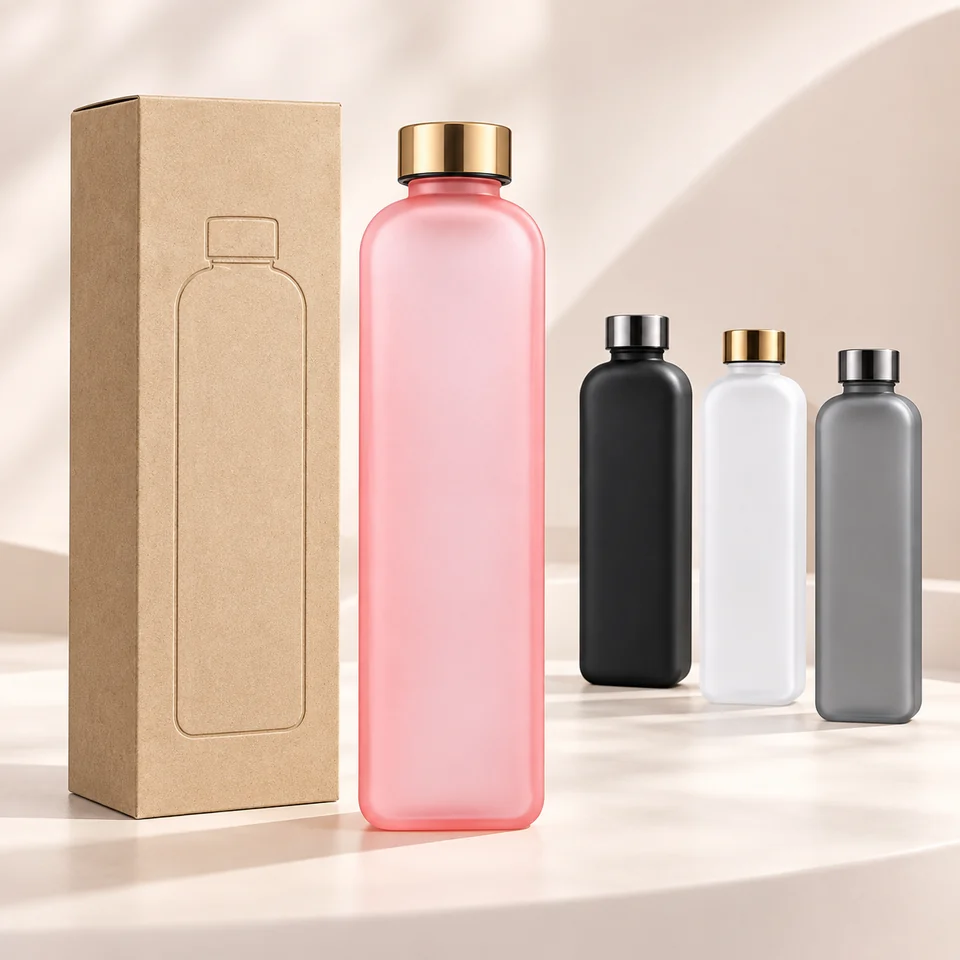
Begin with the exact bottle and lid configuration, not a generic silhouette. Record the artwork revision, decoration dimensions, color references and required use conditions before requesting a sample. Gym, team and promotional projects may use different brand layouts, but the production brief should make the technical requirements equally clear.
Build an Artwork Package the Printer Can Use
Ask the decorating supplier which production formats its workflow accepts. Vector artwork is normally the preferred starting point for logos and text because it preserves paths when resized. An AI, EPS, PDF or SVG extension alone does not prove the contents are vector: a PDF may contain only a small embedded photograph.
Keep an editable master and submit a controlled production copy. Outline type where required, or supply fonts through an agreed handoff process. Include linked images rather than leaving missing assets in the layout. A photograph of a printed logo can communicate a reference appearance but cannot replace the original artwork.
| File element | What to provide | What to confirm before sampling |
|---|---|---|
| Logo paths and text | Accepted vector file plus a viewing PDF | Correct spelling, proportions and font handling |
| Raster elements | Original image at final output size | Effective resolution and accepted color mode |
| Spot colors | Named color references and separate artwork elements | Which colors are printed separately |
| Process-color artwork | Printer-approved output settings | Conversion, profiles and any white underbase |
| Placement drawing | Actual dimensions and a defined reference point | Bottle orientation, rotation and usable print area |
| Job identity | Model, components, revision and date | Every file belongs to the approved configuration |
For raster content, 300 ppi at final size can be a useful starting discussion, not a universal production rule. Required resolution depends on the process and image detail. A JPG cannot carry transparency; a transparent PNG may be useful for a mockup but still needs production review. Do not enlarge a low-resolution image and assume the increased pixel count restores missing detail.
A practical filename is Brand_Model_Process_Color_Revision_Date, such as BrandA_Model03_ScreenPrint_White_R02_20260918. Keep the placement sheet and viewing PDF under the same revision. Do not put order quantities or packing instructions only inside an artwork filename; include them in the job specification.
Confirm Color on the Actual Bottle Surface
Specify whether each color is a spot-color target, a process-color simulation or an approved physical reference. Identify the reference system and finish rather than sending an unqualified color number. A screen image is a communication aid, not a final acceptance standard for ink on plastic.
Pantone's Color Bridge compares spot colors with their closest process-color matches on a defined printed paper reference. That distinction matters: a process simulation is not automatically identical to a spot color, and a paper swatch is not an exact prediction of a decorated bottle. Pantone Color Bridge reference
Check the logo on the intended body color. Transparency, texture, gloss and an underbase can affect appearance. Approve the decorated sample under consistent viewing conditions and document how color will be judged. If instrumental measurements are required, agree the equipment, measurement conditions and acceptance limits with the supplier; do not invent a universal color tolerance.
Bottle color, lid color and printed ink are separate approvals. A change to one can affect the contrast of the whole mark even when the artwork is unchanged.
Measure the Printable Area Before Finalizing the Design
Request a model-specific print-area drawing or template. It should identify the allowed height, usable width or wrap length, placement datum and any seam or machine-access restriction. A product photograph cannot reliably establish those dimensions.
Common candidate areas include a relatively consistent bottle-body panel, a suitable cap surface or an approved outer sleeve. Handles, bottom markings and small lid panels require their own process review. Never assume the same artwork fits every capacity in a product family.
Avoid threads, sealing surfaces, the inside of drinking openings, sharp profile changes and places where decoration interferes with assembly. Review mold lines, ribs, recesses, handle joints and cage-contact areas with the actual model. The supplier should define the exclusion and safety zones; a single 3-5 mm margin is not suitable for every bottle.
For wraparound designs, check the start and end positions, visual seam, orientation and distortion from multiple angles. A flat artwork width does not by itself show how the logo will read on the finished curve. Use the printable template, a dimensioned proof and a physical sample together.
Choose the Decoration Method by Compatibility, Not a Durability Label
No method is universally available on all PP, PE, Tritan or coated surfaces. The ink or marking system, surface preparation, bottle shape and production equipment must be compatible. Ask the supplier to confirm the exact proposed process on the final material before comparing costs.
| Method | Useful project direction | Questions to resolve |
|---|---|---|
| Screen printing | Defined spot-color marks on accessible surfaces | Number of passes, fine detail, registration, preparation and curing |
| Heat-transfer decoration | Multicolor artwork or repeated graphic layouts | Transfer system, distortion, seam, temperature effects and wash behavior |
| UV digital printing | Detailed multicolor designs where suitable equipment is available | Fixture access, underbase, adhesion, curing and scratch resistance |
| Laser marking or engraving | A mark compatible with the actual substrate and laser system | Contrast, affected surface, geometry and whether the selected plastic can be marked |
| In-mold labeling | A label integrated through a compatible molding process | Label material, placement, tooling compatibility and production setup |
| Water-transfer decoration | Graphic coverage of suitable complex forms | Position control, coating system, finish and care limitations |
Confirm which decoration methods the supplier can apply to your selected bottle. Laser work on metal and laser marking on plastic require different process checks. In-mold labeling requires compatible tooling and equipment, so ask whether the existing setup supports the design. Request cost and minimum quantity for the exact material, artwork and placement.
For a one-color logo, start by asking whether screen printing meets the brief. For full-color detail, compare the supplier's qualified transfer or digital options. If wash durability is important, require evidence from the proposed decoration system rather than choosing a method because it is described as permanent.
Review Small Detail and Multicolor Registration
Minimum line width and type size are process limits, not universal design constants. Submit the actual design at production size and ask the printer to identify features that may fill in, break or become unreadable. Negative text and tiny gaps often require a separate review from positive lines.
- Compare the smallest text and line features on the viewing PDF and sample.
- Identify any white underbase and its relationship to the visible colors.
- Define registration and placement acceptance where alignment is important.
- Check legal brand spelling and symbol placement against the authorized artwork.
- Verify that the smallest code or message remains usable after decoration.
For a QR code, test the final printed sample with representative devices and angles. The code's destination, contrast, module detail and curved location all belong in approval; readability in the flat design is not enough.
Inspect the First Production Piece and the Finished Lot
Use the approved artwork, dimensioned placement sheet and signed decorated sample as references. Agree lighting, viewing distance, measurement method and defect classification before production. Inspect the first production piece before authorizing the remaining run, and repeat checks after a relevant setup or material change.
| Check | Examples of problems | Reference for the decision |
|---|---|---|
| Artwork identity | Wrong revision, misspelling or missing element | Controlled production file |
| Appearance | Missing ink, pinholes, blurred edges, dirt or unwanted marks | Approved sample and defect descriptions |
| Registration | Misaligned colors or visible underbase edge | Agreed registration criteria |
| Position and size | Rotation, height or scale differs from approval | Placement drawing and defined tolerances |
| Surface interaction | Decoration bridges a joint or restricts a part | Approved component configuration |
| Packing protection | Fresh print contacts an abrasive insert or accessory | Approved packing arrangement |
A sample's appearance and a lot's acceptance are separate decisions. If an acceptance-sampling plan is used, document the lot, inspection level, defect categories, sample size and decision rules. ISO 2859-1 describes an AQL-indexed lot-by-lot sampling system; it is not a blanket promise that a shipment contains no defects. ISO 2859-1 overview
Make Adhesion and Wear Checks Repeatable
Write down the test conditions before testing. For a tape assessment, identify the tape, conditioning, application and removal procedure, sample preparation and pass/fail criteria. The phrase "3M tape test" does not identify a complete method.
ASTM D3359 addresses coating adhesion by tape testing and includes substrate and method limitations. It was developed for metallic substrates; applying it to plastic decoration requires discussion of suitability rather than simply copying the standard name. ASTM D3359 scope
If rub, scratch or washing checks are required, define contact material, load, liquid or detergent, temperature, cycles and observation criteria as appropriate. Alcohol exposure is not automatically representative of permitted everyday cleaning and can affect the substrate as well as the print. Do not treat a fingernail scrape as a controlled quantitative test. Test destructive or chemically aggressive conditions only under an agreed, appropriate procedure.
Record results against the exact ink, preparation, material, color and revision. A passing result from another bottle or finish cannot automatically approve this order.
Control Changes From Artwork Release to Packing
- Freeze the model, printable template and decoration brief.
- Review production artwork and a dimensioned digital proof.
- Evaluate a physical decorated sample and the agreed wear checks.
- Record approval, references, limitations and remaining actions.
- Approve the first production piece before continuing the run.
- Inspect the finished lot using the agreed criteria.
- Verify packing protection and retain traceable references.
Reassess affected approvals when the artwork, resin, surface preparation, body color, ink, process or placement changes. A changed logo file needs identity review; a changed ink system may also need renewed performance testing. The complete approval record is covered in the water bottle sample approval guide.
Logo Printing Questions
Is a PDF logo always suitable for production?
No. A PDF can contain vector paths, live fonts or a low-resolution embedded image. Ask the printer to confirm its contents, final size and accepted production format rather than approving by extension alone.
Can a single Pantone reference approve both bottle and printed ink?
Use it as a shared color direction, but approve the bottle material and the decorated ink separately. Their surfaces and production processes can give different appearances; keep physical references for both where needed.
What is the smallest printable line or font?
The answer depends on the process, artwork, substrate and equipment. Have the supplier review the actual design at output size and demonstrate the critical detail on a sample. Do not rely on one minimum across all methods.
Does laser marking guarantee a permanent, high-contrast plastic logo?
No. Marking behavior depends on the selected plastic, additives, laser system and geometry. Confirm a compatible process and inspect the real result; a result on metal does not establish performance on plastic.
What should happen if the print fades in the agreed wash check?
Record the failure and stop approval of that configuration. Review preparation, ink, cure, decoration method and care conditions with the supplier, then retest the revised sample. Switching methods without testing is not a remedy by itself.
Should production begin after approving only the mockup?
A mockup can approve layout, but not adhesion, curved appearance or wash behavior. Require the necessary physical sample and written approval before releasing a decorated bulk order.
A useful logo brief includes the model, accepted artwork, color targets, measured print area, selected process and inspection conditions. For sponsor hierarchy and campaign placement, use the team sports bottle scenario or promotional bottle scenario; keep the decoration specification as the production reference.